

Send estimates clients accept online.
Share a link, and your client accepts or declines with a typed signature. Acceptance records their name, the time, their IP address, and that they agreed to your terms. No paper, no chasing.
14-day refund for new accounts. Cancel anytime.
From "send me a quote" to a signed yes
The slow part of winning work usually isn't writing the estimate. It's the back-and-forth after. Emails that go unanswered, "did you get my quote?", a verbal yes you can't point to later. A public estimate link replaces that: the client opens it, reads it, and signs off in the browser. You get a timestamped record instead of a maybe.
Acceptance is the start, not the finish
Once an estimate is accepted, it becomes the source of the bill. You can invoice the full amount, or bill a deposit and invoice progress with the staged billing workflow, and the client pays a payment link. The signature on the estimate is where the whole estimate-to-paid flow begins.
Sign-off that's clean and on the record
A public link, no login for the client
Send a link and your client opens a clean, branded estimate. No account to create, no app to download. They review it and respond right there.
Typed-signature acceptance, on the record
Accepting requires a typed signature, and PayPolka records the signer's name, a timestamp, and their IP address: a clear record that the client approved the work.
Your terms, acknowledged
If you publish your terms, the estimate states that accepting confirms them, so engagement terms are agreed up front instead of buried in an email thread.
Attach the proposal and spec
Add proposal documents, drawings, or a scope of work as file attachments. They show up as download links on the public estimate, so everything the client needs is in one place.
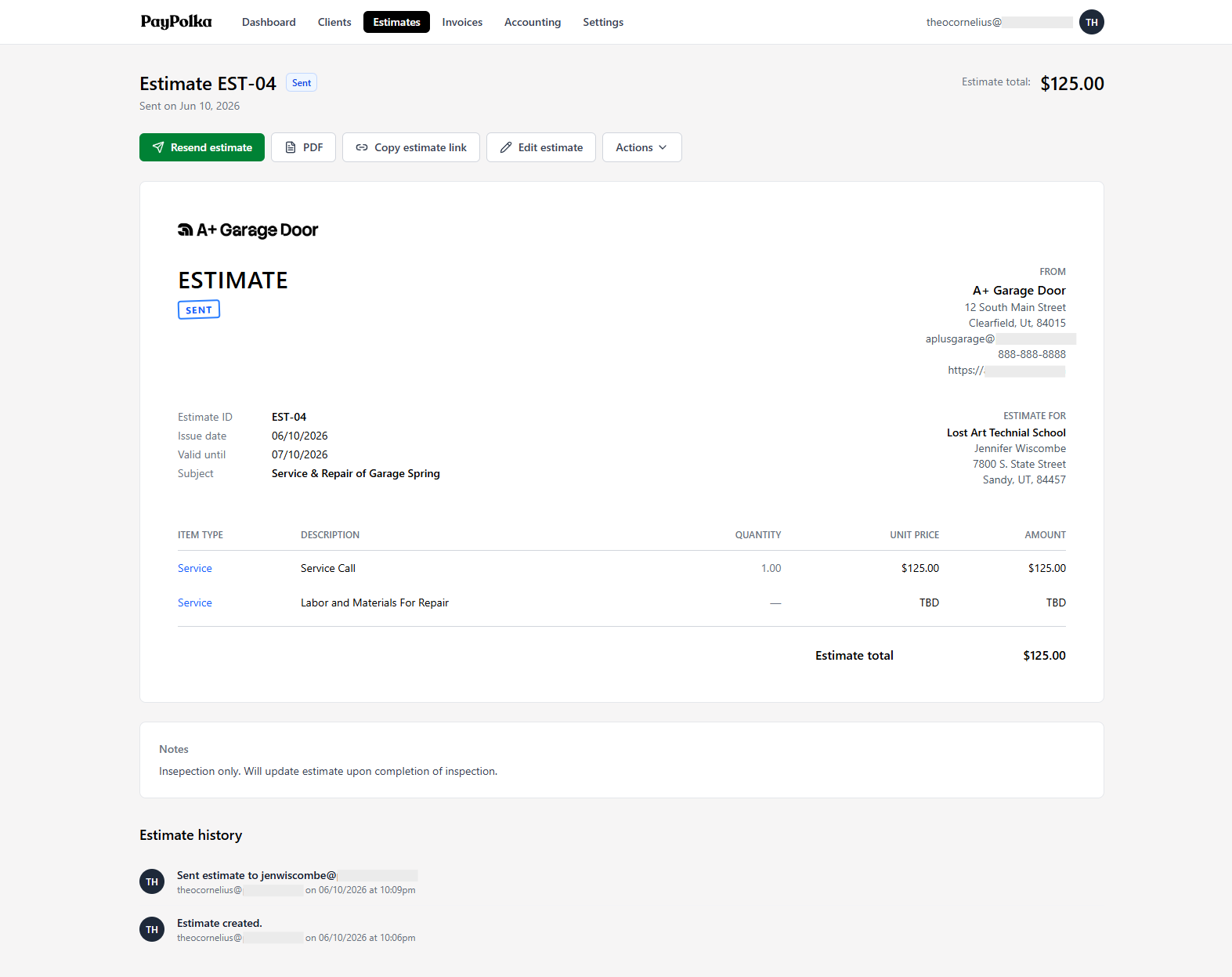
The public estimate your client accepts or declines: signature, timestamp, and terms captured.
Questions, answered.
Does my client need an account to accept an estimate?
No. The estimate opens from a public link, with no login and no signup. Your client reviews it and accepts or declines in the browser.
What gets recorded when a client accepts?
Acceptance captures the typed signature name, a timestamp, and the signer's IP address. If you've published terms, it also records that the client agreed to them. Optional notes can be added on accept or decline.
Can a client decline, not just accept?
Yes. The same public estimate has an accept and a decline option while it's actionable, and the client can leave a note explaining a decline. You see the outcome and the note in the estimate's history.
Are typed-signature acceptances legally binding?
The acceptance creates a solid record: who signed, when, from what IP, and that your terms were acknowledged. Whether that's legally binding in a particular situation is a legal question and this isn't legal advice; if it matters for a specific job, talk to an attorney.
What happens after a client accepts?
The estimate is marked accepted, and you can turn it into an invoice: the full amount, or a deposit, progress, and final invoice tracked against it. Accepting an estimate is the first step of the estimate-to-payment workflow, not a dead end.
How much does it cost, and will the price go up?
$5/month during beta, $15/month standard after. Sign up during beta and you keep $5/month for as long as you stay subscribed; it never rises to $15. US-only, billed in USD, 14-day refund for new accounts.
Send it. Get it signed. Bill it.
Start for $5/month during beta and lock that rate in for life. Connect your own Stripe account and send an estimate clients can sign today.
14-day refund for new accounts. Cancel anytime.